Now 100% online for increased security and confidentiality!
🚨 Please don’t skip this form, even if you don’t think you’ll qualify. It gives you a 50% discount on tech fees and helps bring additional resources to all Snyder ISD students.
Estimated time: 5 minutes total
To complete the form:
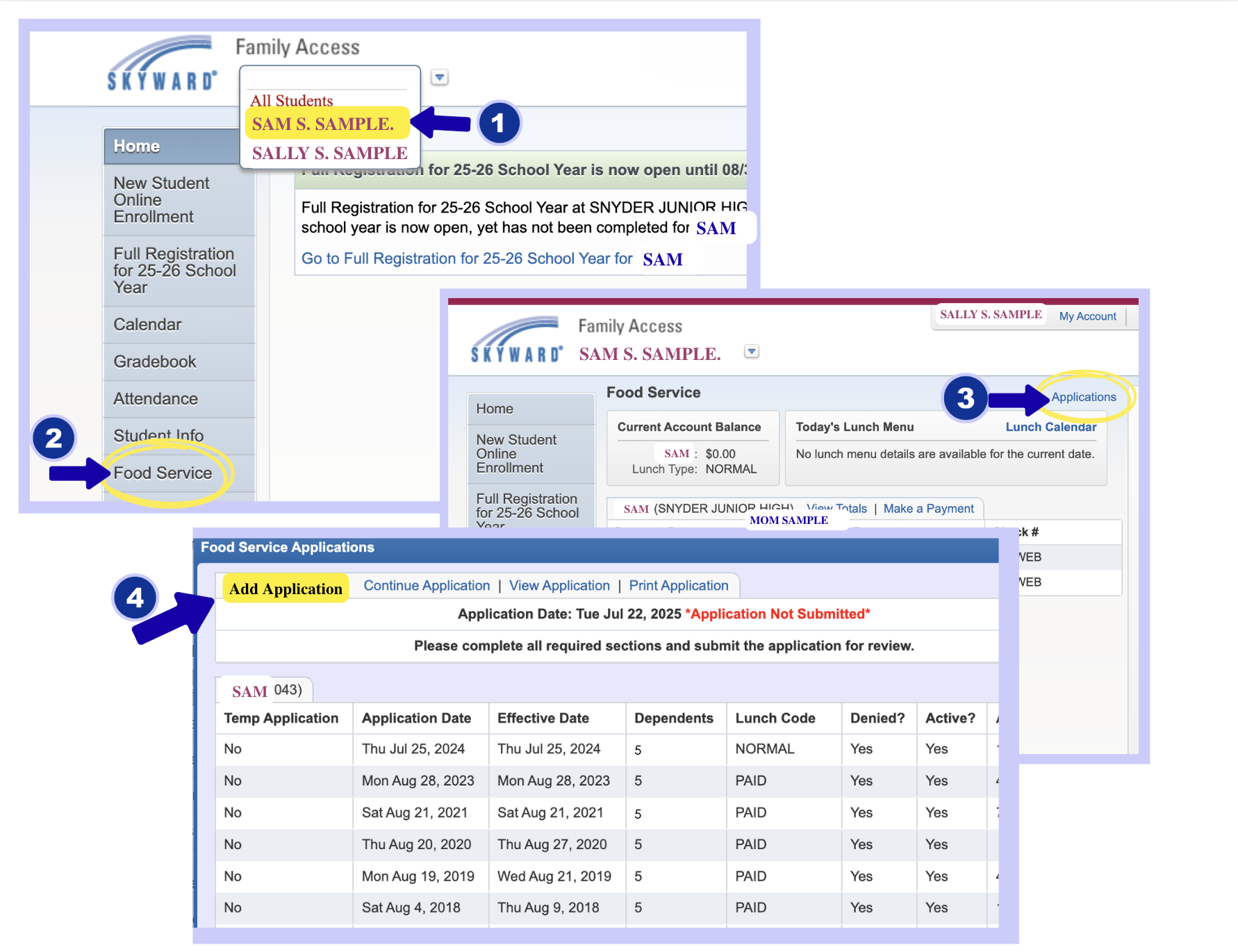
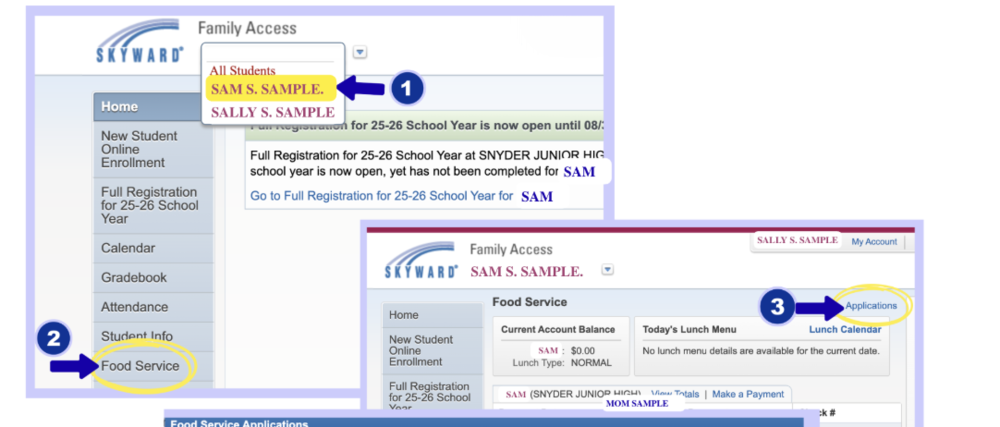
Select one student from the dropdown (only one form per family)
Click the "Food Service" tab
Select "Applications"
Click "Add Application"
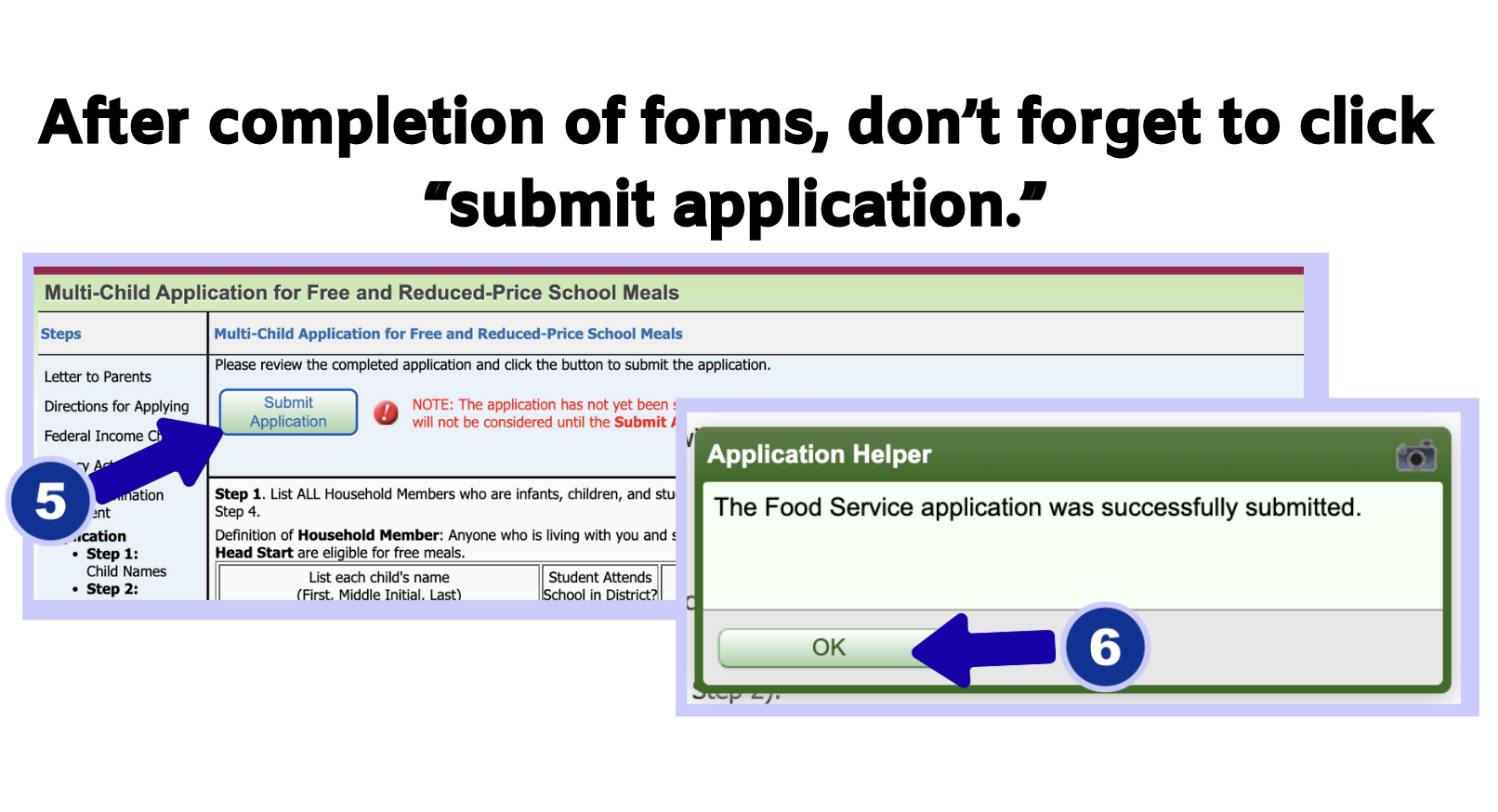
Complete every section and click Submit.
Important: If you select the option to opt out, your application will be deleted and will not count as completed.